Boarding pass · SampleSA210
SEAtoSFO
Seattle · San Francisco
- Passenger
- Maya
- Travelling with
- Leo · Ava
- Departs
Sample Air 210
SEA → SFO
Cancelled
Organize a sample trip, handle a disruption, and split a ride in your AI chat.
Boarding pass · SampleSA210
SEAtoSFO
Seattle · San Francisco
Cancelled
A cancellation moves the airport pickup. The hotel arrival may no longer match. Someone on the trip has often paid the driver already.
Those are four separate bookings in the sample: a flight, a hotel, a pickup, and a cruise. The total is USD 1,491.00.
CozyTrip keeps that list in the chat.


Sample Air 210 · SEA → SFOCancelled


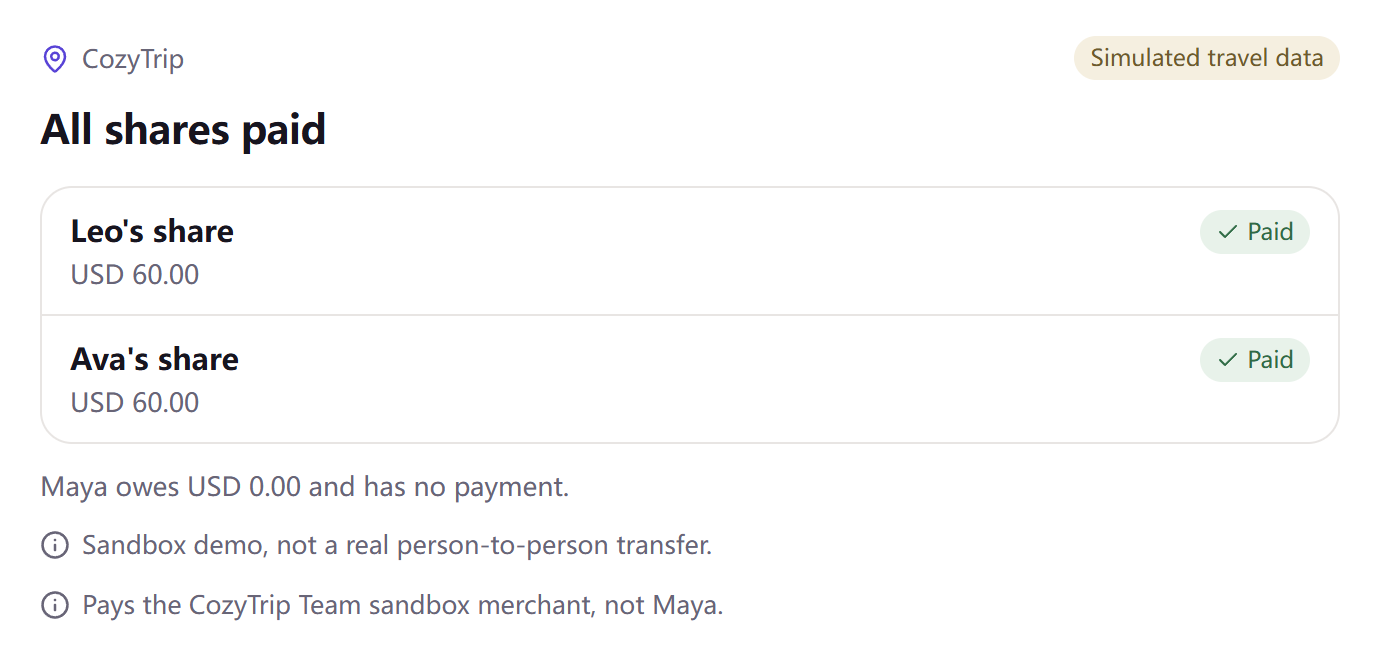
In the sample, Maya prepaid the USD 180 airport pickup. Leo and Ava each owe USD 60. Maya owes USD 0.00 and has no payment button.
Each share is its own PayPal Sandbox order. The money goes to the CozyTrip Team sandbox merchant, not to Maya.
An MCP client calls https://mcp.cozytrip.dev/mcp with a bearer token. The page never holds that token.
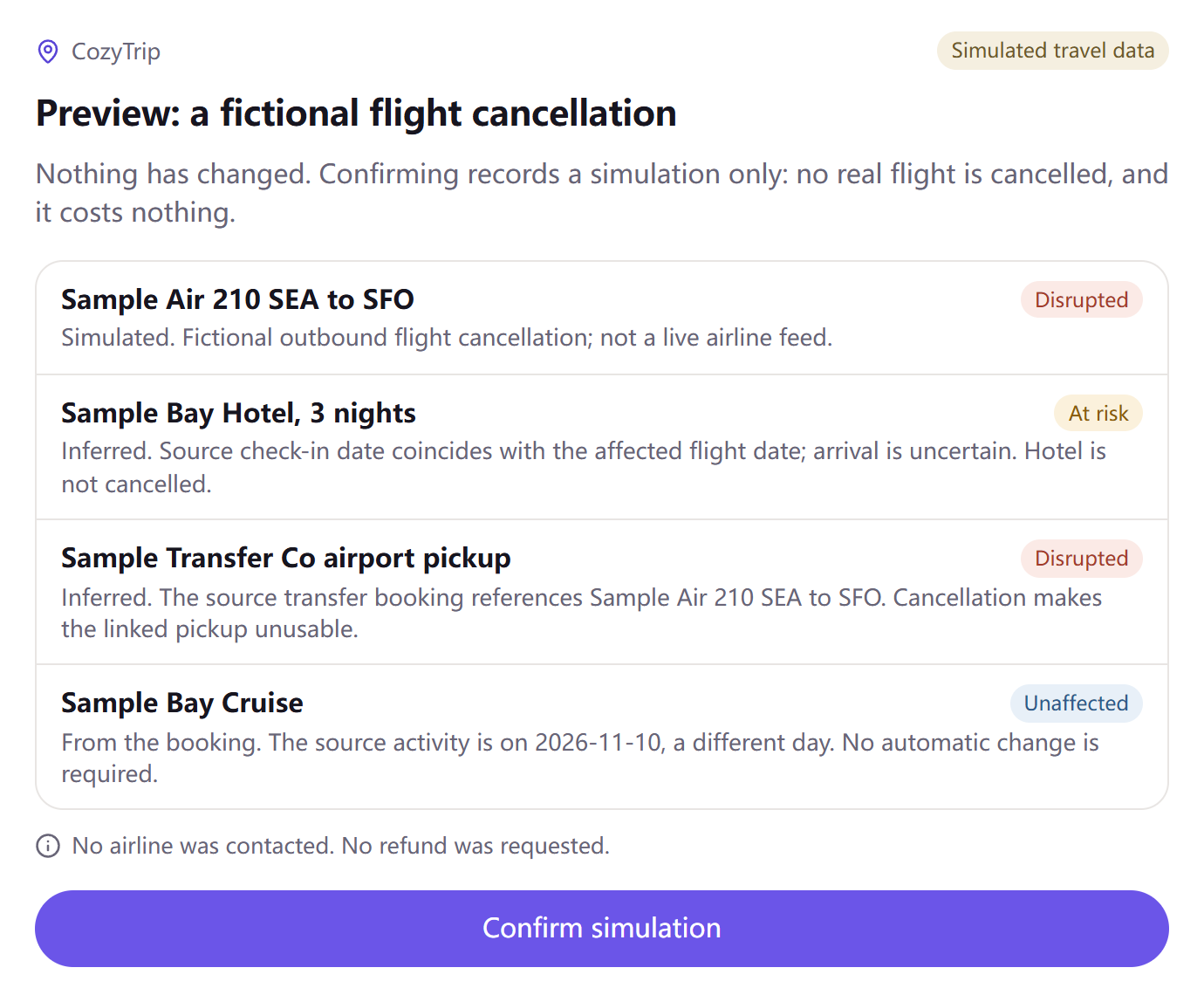
import_orders with mode sample loads the fictional Seattle–San Francisco trip, 8–11 November 2026. detect_impact can show a preview first. A second call, after confirmation, records the simulation. No airline is contacted.
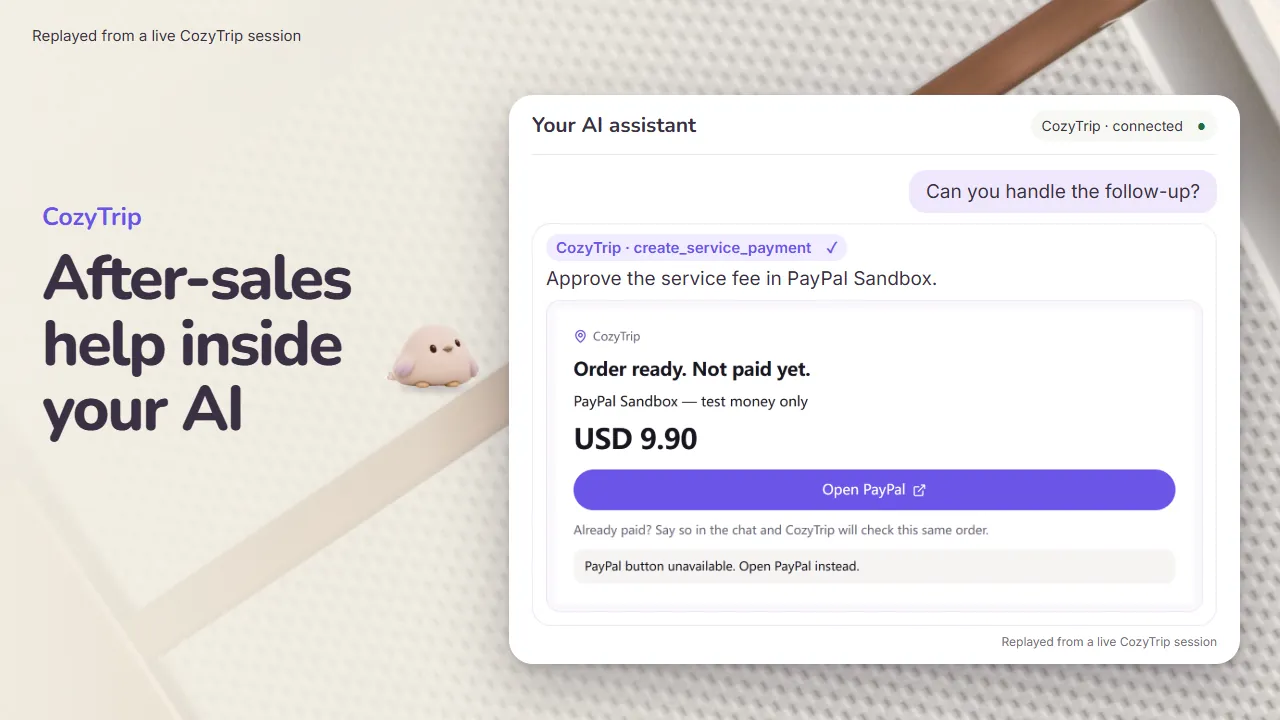
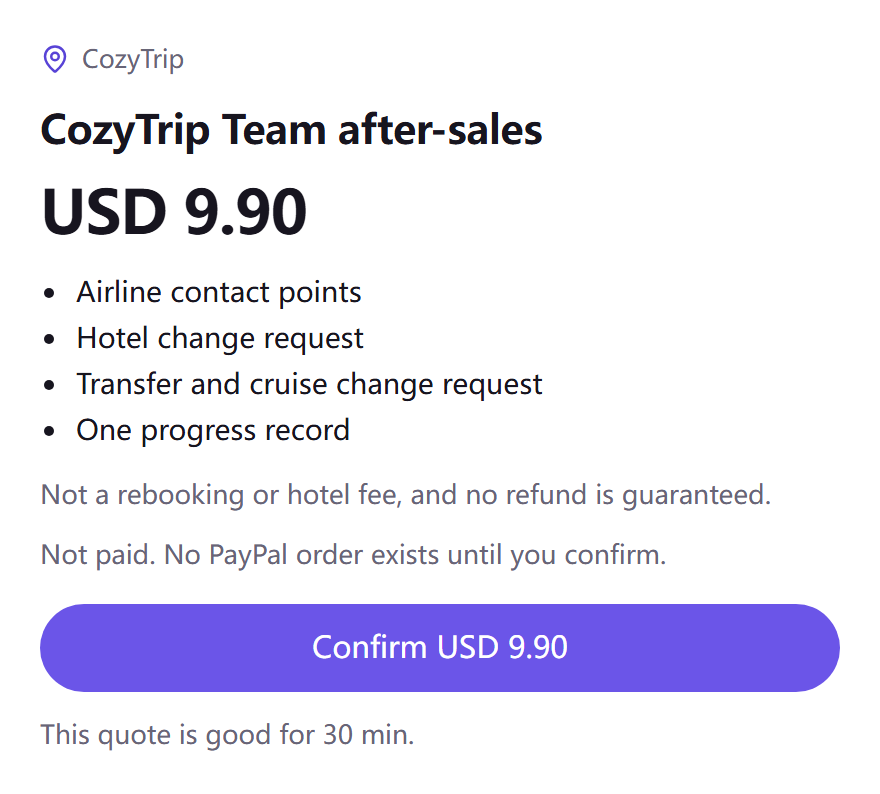
After the person confirms USD 9.90, the hosted payment service creates a PayPal Orders v2 Sandbox order, captures it on the server, and accepts webhooks only after the signature check. Coming back to the chat is not proof of payment.
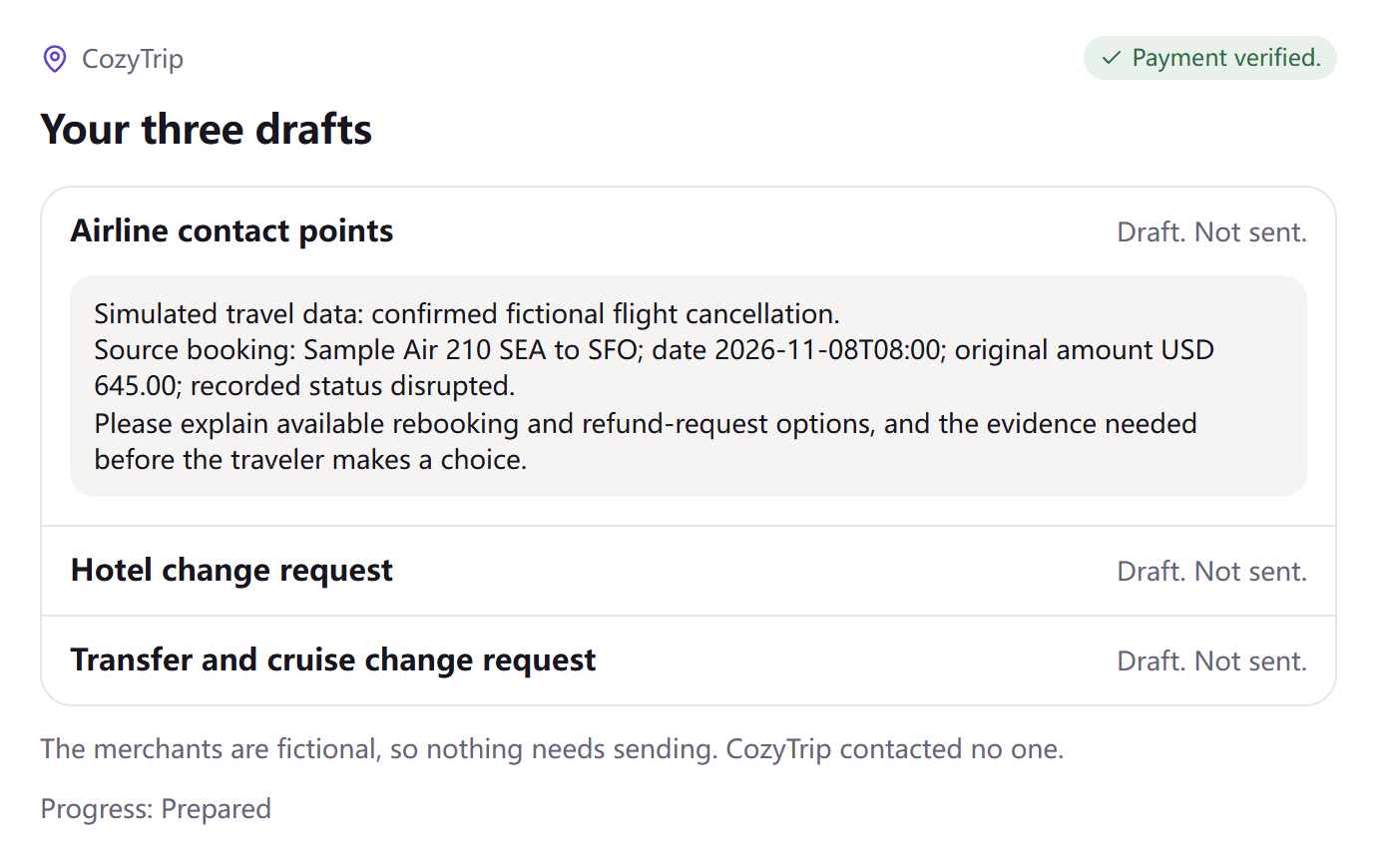
verify_payment returns the three drafts only when the receipt has verificationState passed and chargeOutcome captured. Workers AI writes the prose from the booking facts. If the prose fails the checks, a template is used. The person sends the drafts. CozyTrip does not.
AI assistant → CozyTrip on Cloudflare Workers → private payment service → PayPal Sandbox
Workers AI drafts the notes. D1 stores the trip ledger and the person’s own reports. Model: @cf/meta/llama-3.2-3b-instruct.
Streamable HTTP. Send Authorization: Bearer, then a demo token.
Documented path: remote MCP, a static bearer header, and MCP Apps.
Works for the tool calls and the text results. Do not expect this page’s card simulator to appear here.
Custom connector. Request headers are a limited beta. If your account does not show that field, this path is not available.
No. The sample flight, hotel, pickup, and cruise stay sample data. Nothing is sent to those merchants.
Checkout uses PayPal Sandbox test money.
The CozyTrip Team sandbox merchant. Maya is not paid again. Maya owes USD 0.00 in the sample because the pickup was already prepaid there. The live MCP creates two Sandbox checkouts. Maya has none. This demo marks both sample shares paid together.
No. They are marked Draft. Not sent. A later control only records that the person says they sent them. That record is not a merchant response.
No. The server checks the capture. A return page, a popup, or a clicked link is not a receipt.
It does not open PayPal. The live MCP sends that checkout to PayPal Sandbox and checks the capture on the server. This page only advances the sample.
No. Choose a suggestion. Nothing on this page is sent to a merchant.
The chat in the film is a replay. The cards are real CozyTrip cards. The trip is sample data. The PayPal step is Sandbox.
A new Sandbox checkout needs a PayPal Sandbox Personal buyer. Judges can use the buyer noted in the Devpost private testing instructions, or their own Sandbox Personal account. The buyer login stays on PayPal’s page. On the documented editor, paying in an external Sandbox window does not deliver the drafts. Return to the chat and ask it to check the payment.